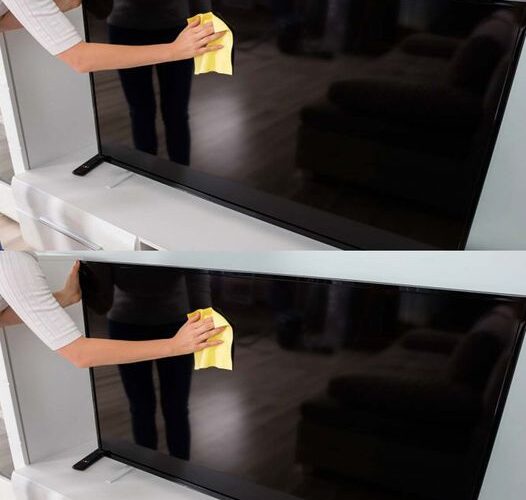
Keeping your TV screen clean is essential for both clarity and longevity. But cleaning it the wrong way can lead to damage or streaks. Here’s how to properly clean your TV screen without causing harm:
- Turn off the TV and unplug it. This not only ensures safety, but it also allows you to see the dust and smudges better when the screen is off.
- Use a soft, microfiber cloth. Avoid using paper towels or abrasive materials, as they can scratch the screen. Microfiber cloths are ideal because they are gentle and effective at picking up dust and fingerprints.
- Dust the screen first. Gently wipe the surface with a dry microfiber cloth to remove any dust or loose particles. Use light pressure to avoid damaging the screen.
- Dampen the cloth with water or a screen-safe cleaner. If there are stubborn smudges or fingerprints, lightly dampen the cloth with water (distilled water is best to avoid mineral deposits). You can also use a cleaner specifically designed for electronics, but never spray it directly onto the screen—always apply it to the cloth first.
- Wipe gently in circular motions. Start from the center of the screen and work your way out to avoid pushing dirt into the edges.
- Avoid harsh chemicals. Never use window cleaners, alcohol, or ammonia-based products on your TV screen, as they can damage the surface or cause discoloration.
- Let it dry completely. Before turning the TV back on, make sure the screen is completely dry to prevent streaks or water spots.
With these simple steps, your TV screen will stay spotless and in great condition for years to come!
If you found this guide useful, don’t forget to like and share this post with others so they can keep their screens looking pristine too!